


How to Choose a Business Printer: An Essential Buying Guide for 2026
The best business printer is the one that matches how your office actually works. Before comparing individual printers, define the documents you print, whether you need colour or monochrome output, which scanning and copying functions employees use, how users will connect, where the printer will sit and what it will cost to operate over its useful life. Taking this requirements-first approach helps businesses compare printers on practical needs rather than focusing only on purchase price or individual features.
In 60 seconds
What you need to know
Start with your requirements: what you print, whether you need colour, which functions you use, how you’ll connect, where it will sit, and what it will cost over time. This helps you compare printers on what matters, not just the purchase price.
What Should You Consider When Buying a Business Printer?
The right business printer depends on your printer type, the functions you need, how your teams connect, your office size and the total cost of ownership.
- Printer type Inkjet, colour laser or monochrome
- Functions Single or multifunction
- Connectivity USB, Wi-Fi and more
- Office size Compact or high volume
- Total cost Long-term value
01
Printer type
Which printer type best matches your business documents?
Your documents should influence whether you choose inkjet, colour laser or monochrome laser printing.
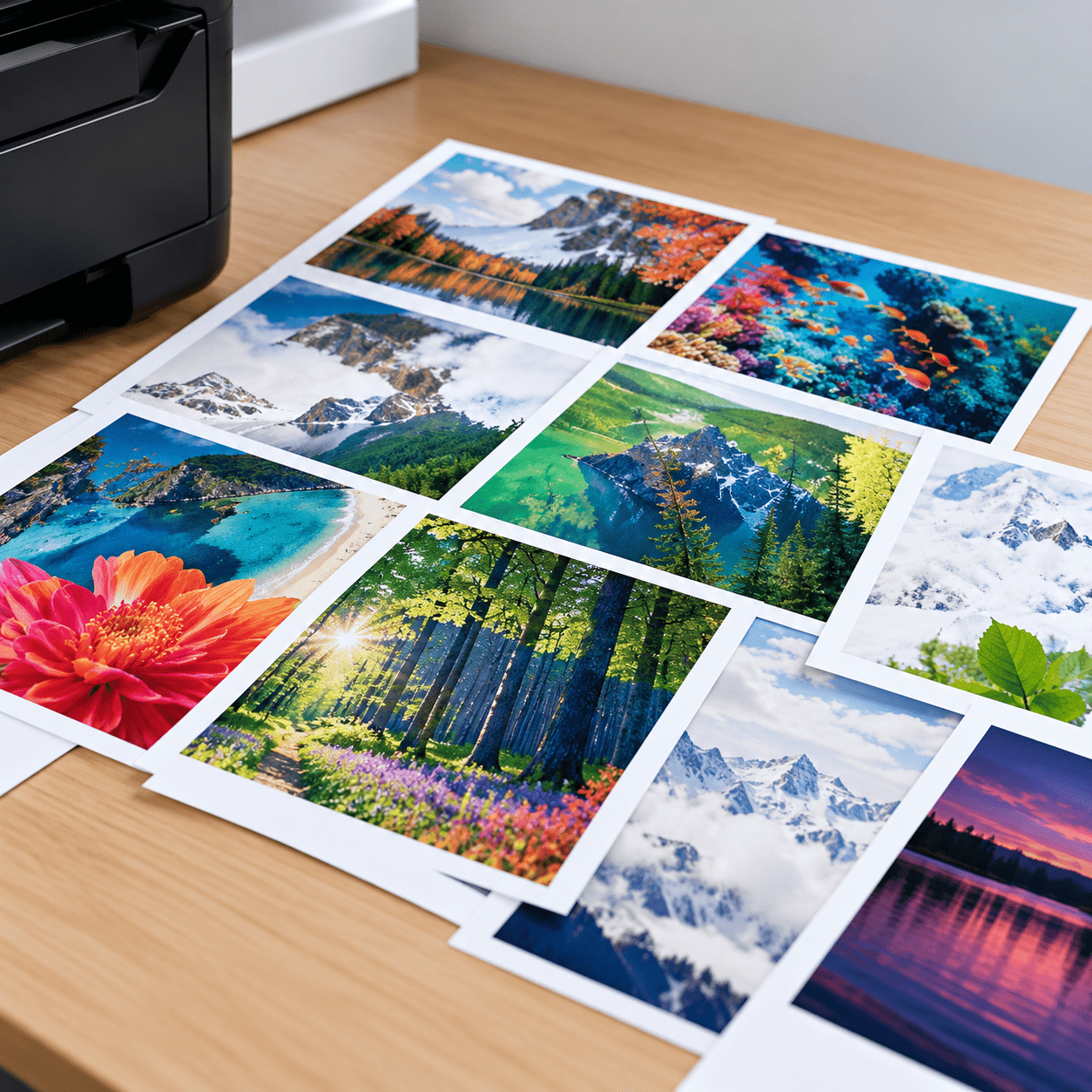
Inkjet
Consider for image-rich business documents such as marketing materials.
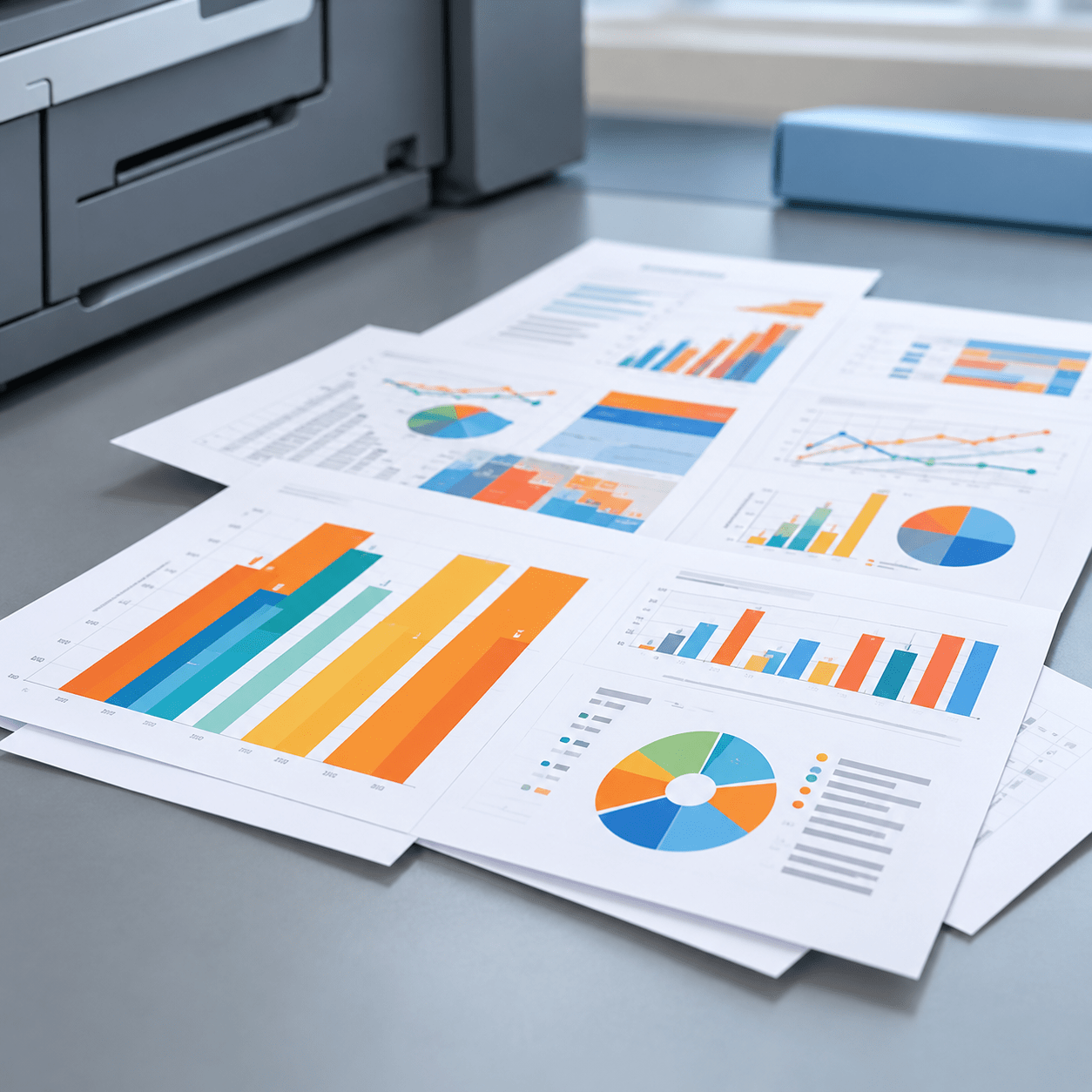
Colour laser
Consider for high volumes of text and everyday colour documents.
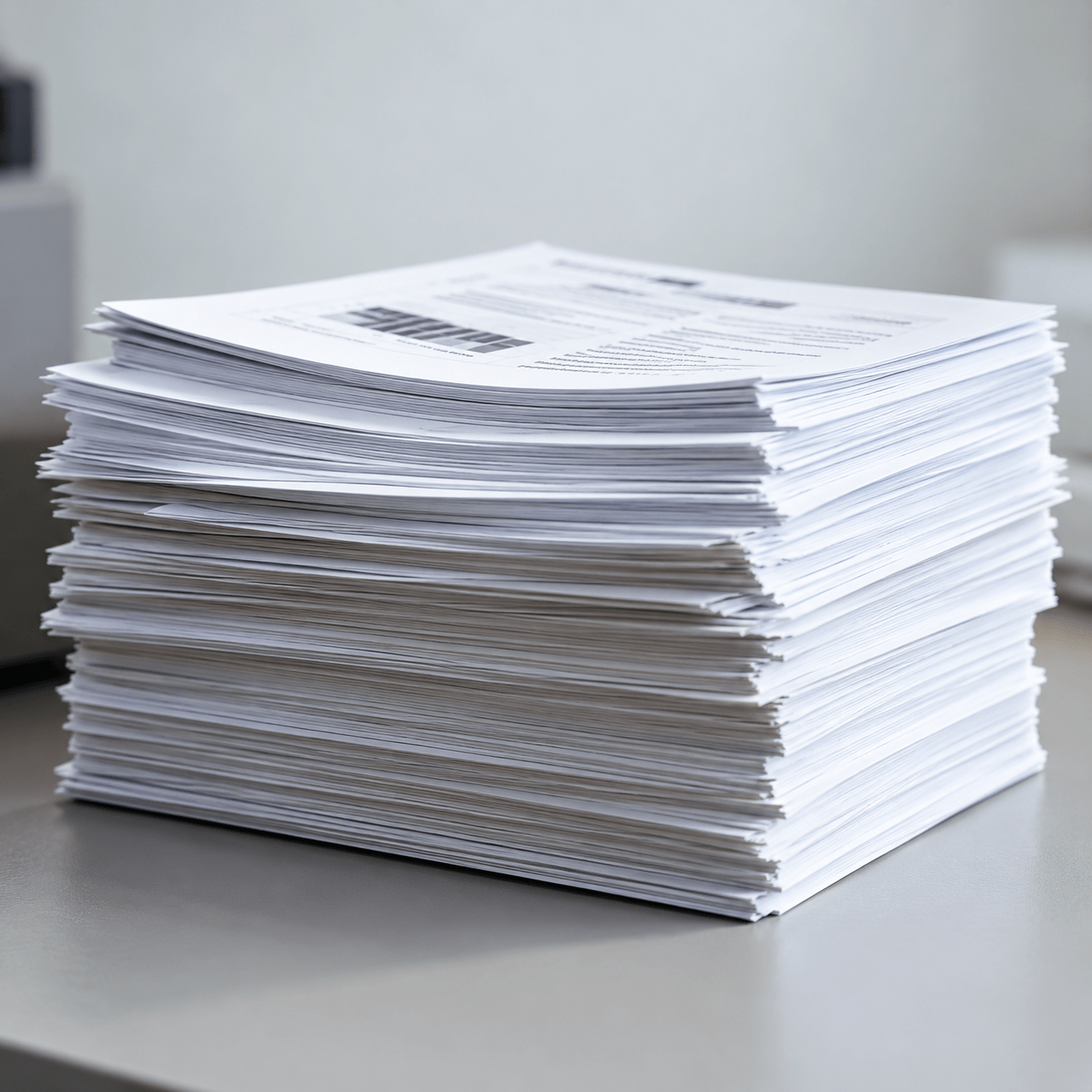
Monochrome laser
Consider for text-focused workflows such as invoices and forms.
2. Do You Need a Multifunction or Single-Function Printer?

Multifunction (All-in-One)
Print, scan, and copy; fax on selected models.
Choose this when you need multiple functions and want greater flexibility.
Single-Function (Print Only)
Focused on printing.
Choose this when you only need to print and prefer a simpler setup.
Choose this when you only need to print and prefer a simpler setup.
3. What Connectivity Options Does Your Business Printer Need?
Connectivity determines how employees and devices access a printer. Before choosing one, consider whether your workplace requires USB, Ethernet, wireless or other supported connectivity options. Choose the connectivity options that work for your team's setup and workflow.

USB
Direct connection for single users.
USB provides a direct connection between a printer and a computer. It can be suitable for straightforward setups where direct connectivity is sufficient.

Ethernet
Wired connection for shared office use.
Ethernet allows a compatible printer to connect through a router or network hub, enabling multiple network users to access the device without relying on one computer as the connection point.

Wi-Fi
Wireless printing across your office.
Wireless connectivity can allow compatible computers, smartphones and tablets to access a printer through Wi-Fi without a direct cable connection.

Cloud
Remote and cloud-based workflows on supported models.
Some printers can also support cloud or mobile workflows, giving businesses additional ways to print or scan. Supported models enable remote printing or direct cloud-service workflows, subject to the printer, service and network setup.

NFC
Tap to connect on compatible devices.
Selected Brother models support NFC tap-to-connect for compatible Android devices. NFC support varies by printer model, mobile device and operating-system version, so check the current specifications before purchase.
4. What Printer Size is Right for Your Office?
Printer size should reflect both your available workspace and how employees need to access the device.
Large floor-standing copiers have traditionally been associated with office environments, but desktop printers and multifunction devices can provide business printing, scanning and copying capabilities in a more compact form factor.
A smaller footprint can be valuable when office space is limited. Depending on your workplace requirements, deploying more than one appropriately positioned desktop device can also reduce the need for employees to rely on a single centrally located machine.
The important point is to evaluate size together with functionality rather than assuming that a larger printer is automatically the better business solution.
- Consider a compact desktop model for smaller spaces
- Allow extra room for paper trays, output and ventilation
- Larger office printers may require a dedicated area
- Choose a size that fits your current space and future needs
05 PLANNING COSTS
How to compare the total cost of ownership
Look beyond the purchase price by considering the full cost of using the printer over its useful life.
1
Estimate your usage
Consider how many pages you print and for how long.
2
Factor in ongoing costs
Include consumables and other operating costs.
3
Compare over time
Assess the total cost over the period you plan to use it.
Total cost of ownership
Purchase price
plus
Consumables
+
Maintenance and other costs
=
Total cost over time
FREQUENTLY ASKED QUESTION (FAQs)
Start with your business requirements rather than an individual printer model. Identify the documents employees produce, whether colour is required, the functions they use, how they connect to the printer, available office space and expected running costs. These requirements provide a consistent framework for evaluating different printer configurations.
The answer depends on what your office prints. Inkjet can be considered for image-rich colour materials, while laser printers can suit text-heavy and general business-document workflows. Monochrome laser printing can be appropriate when most output is black-and-white text. Compare the technology against your actual documents rather than choosing by category alone.
A monochrome printer may suit an organisation whose printing is predominantly black-and-white text, such as invoices or forms. If employees rarely need colour, a monochrome configuration can avoid unnecessary colour printing capabilities and uses black toner rather than a set of colour toner cartridges.
Not necessarily. A multifunction printer makes sense when employees regularly need scanning, copying or, where applicable, faxing alongside printing. A business that only needs to print may be better served by a single-function device. Map your normal document workflow first and choose the functions that support it.
Consider the users and devices that need printer access. USB provides direct computer connectivity, Ethernet can support network access and Wi-Fi can provide wireless connectivity for compatible devices. Some printers also support cloud or mobile workflows. Because capabilities differ by model, verify current specifications before making a purchase decision.
Cost per page helps businesses look beyond the printer’s purchase price. Divide the consumable price by its approximate page yield to estimate a cost per page. You can then combine this with expected print volume and ownership period to create a more meaningful estimate of long-term printing costs.
Apply the same calculation to both devices. Estimate each printer’s cost per page, multiply it by the same expected annual print volume and ownership period, then add the respective purchase price. Also consider relevant servicing and repair costs. Using consistent assumptions makes the comparison more meaningful than comparing upfront prices alone.
A business printer should solve a defined workplace requirement.
Start with the documents your organisation produces and the people who produce them. Then compare printer technology, colour requirements, document functions, connectivity, physical footprint and long-term costs.
This approach avoids the assumption that one printer is suitable for every business. More importantly, it gives your organisation a repeatable framework for comparing Brother printing solutions as products and workplace requirements change.

Best Home Printer Guide | Choose the Right Printer Easily
Are you tired of constantly running to the print shop every time you need a document printed? Well, it's time to invest in a good home printer that can save you time and money. But with so many options available in the market, choosing the best one for your needs can be overwhelming. Don't worry, we've got you covered.
Continue reading"Printing Made Easy How to Choose the Best Home Printer for Your Needs"

Best Printers for Corporate Office Use | Brother SG
The best printer for corporate office use depends on what your organisation needs to print and which functions are required in the workplace. For corporate offices in Singapore, the Brother models available for consideration include the HL-L5210DN, HL-L5210DW, HL-L6415DW, MFC-L5710DN, MFC-L5915DW, MFC-L6915DW, MFC-L9630CDN, HL-L8260CDN, HL-L8360CDW, MFC-L8690CDW, MFC-L8900CDW, HL-T4000DW, MFC-T4500DW, MFC-J3940DW, MFC-J2340DW and MFC-J2740DW. Rather than choosing solely by model, businesses should first define their office requirements and then compare the appropriate Brother options.

Printer Maintenance Checklist: Essential Tips | Brother Singapore
Regular printer maintenance can help maintain print quality, reduce common issues such as paper jams and keep your printer in good working condition. Essential tasks include cleaning the printer exterior and paper tray, monitoring ink or toner levels and following the correct printhead maintenance instructions where applicable. Because maintenance requirements can vary depending on your printer type, model and usage, always refer to your Brother printer's manual or official Brother support resources for model-specific instructions.

Subscribe for Blog update