


Best Brother Printers for Corporate Office Use in Singapore
Explore Brother printers suitable for corporate office use in Singapore and find the right model for your organisation's printing needs.

Reliable
Performance
Built for high-volume
corporate printing

Secure by Design
Advanced security features to protect your data

Seamless Connectivity
Easy integration with your office environment

Business Efficiency
Boost productivity with smart document solutions
Table of Contents
- What are the best printers for corporate office use?
- Brother printers to consider for corporate offices in Singapore
- How should a corporate office choose a printer?
- Which Brother printer should your organisation consider?
- Planning printers for different corporate teams
- Frequently Asked Questions
- Related Resources
Need help choosing the right printer?
Our experts can help you find the perfect solution for your organisation.
What Are the Best Printers for Corporate Office Use?
The best printers for corporate office use are the models that align with an organisation's actual workplace requirements. A corporate office may need different devices depending on how employees work, what documents they produce and whether the printer needs to support additional document-handling functions.
For businesses in Singapore considering Brother printers, there is therefore no single model that should automatically be treated as the best option for every corporate environment. A more practical approach is to begin with the requirements of the office and narrow the available Brother models accordingly.
Corporate decision-makers can start by asking:
- How many employees or teams will use the printer?
- What types of documents does the office regularly produce?
- Does the workplace require printing only, or additional document functions?
- Will one device serve a department or will several printers be deployed across the office?
- Are different printer requirements needed for different departments?
- What connectivity and deployment requirements does the organisation have?
- How might printing requirements change as the business grows?
Answering these questions creates a clearer framework for comparing printers instead of choosing a device simply because it appears to offer the largest number of capabilities.
Brother Printers to Consider for Corporate Offices in Singapore
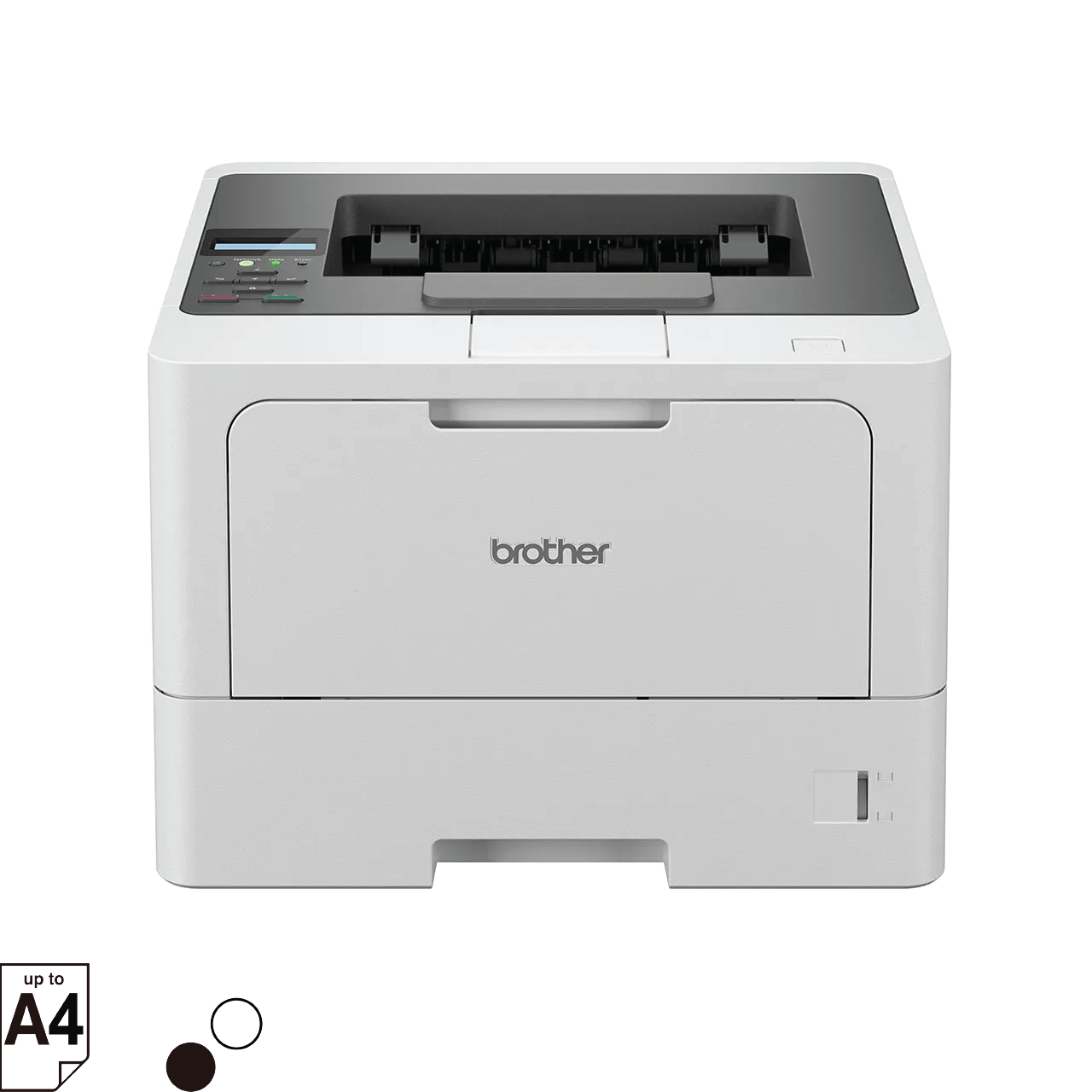
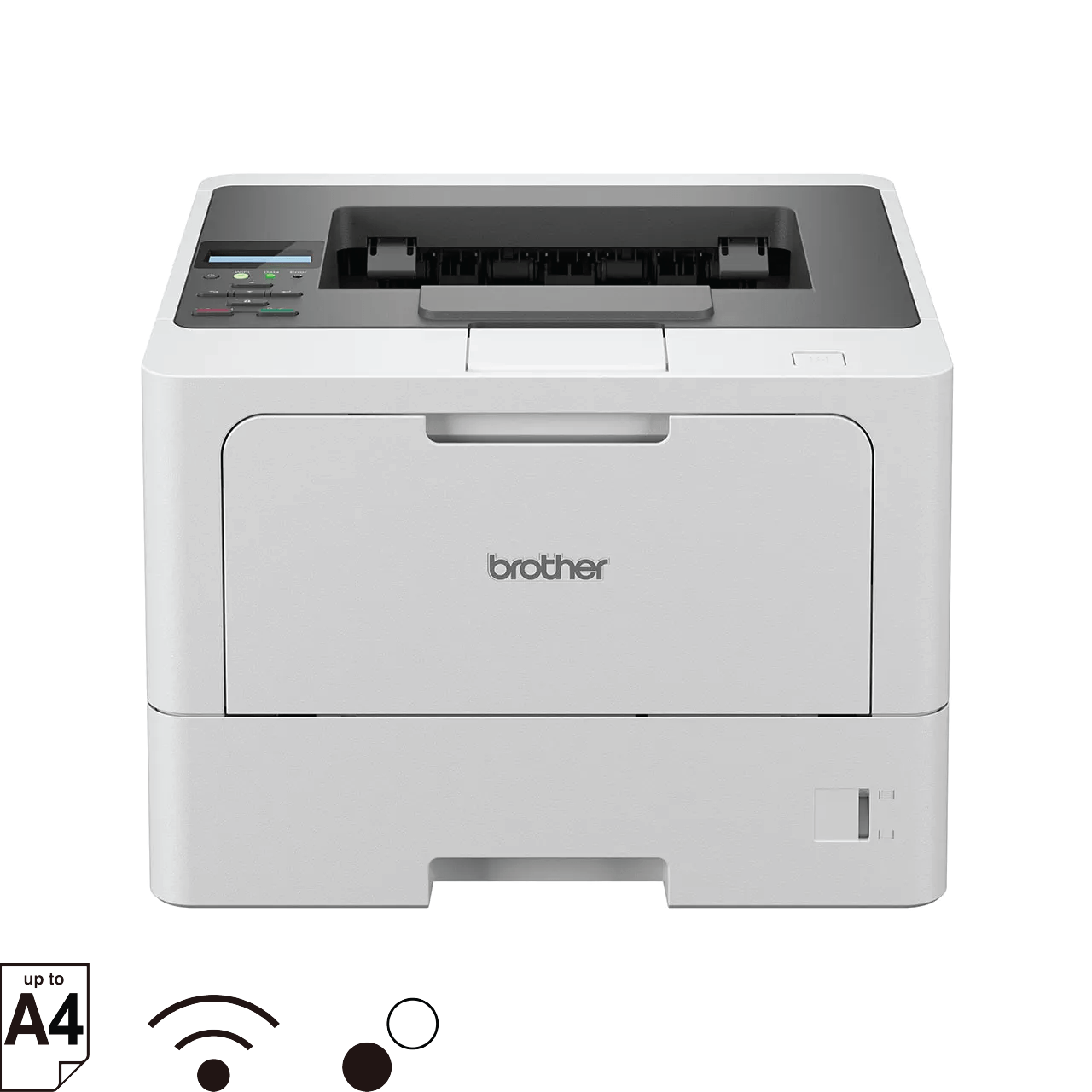
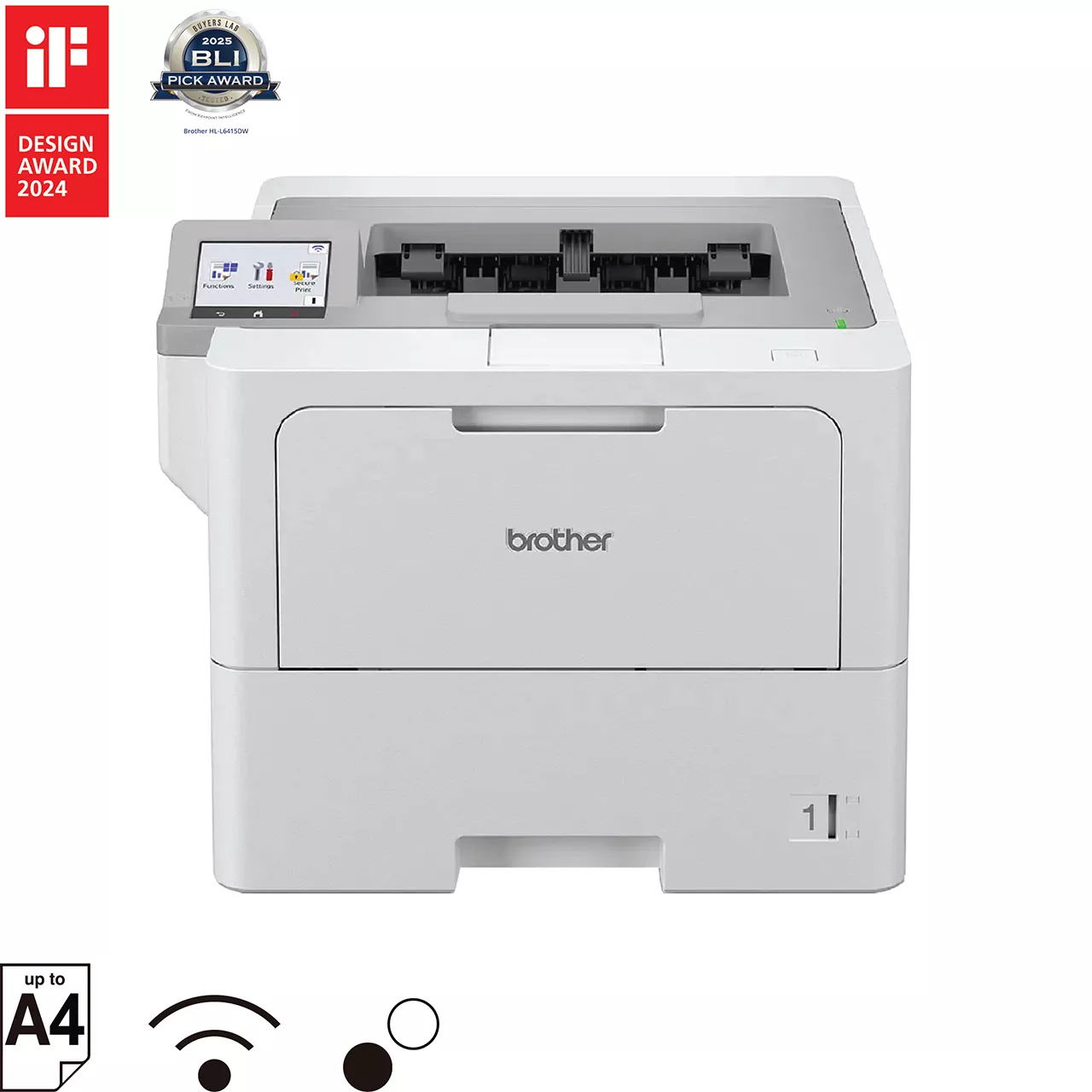
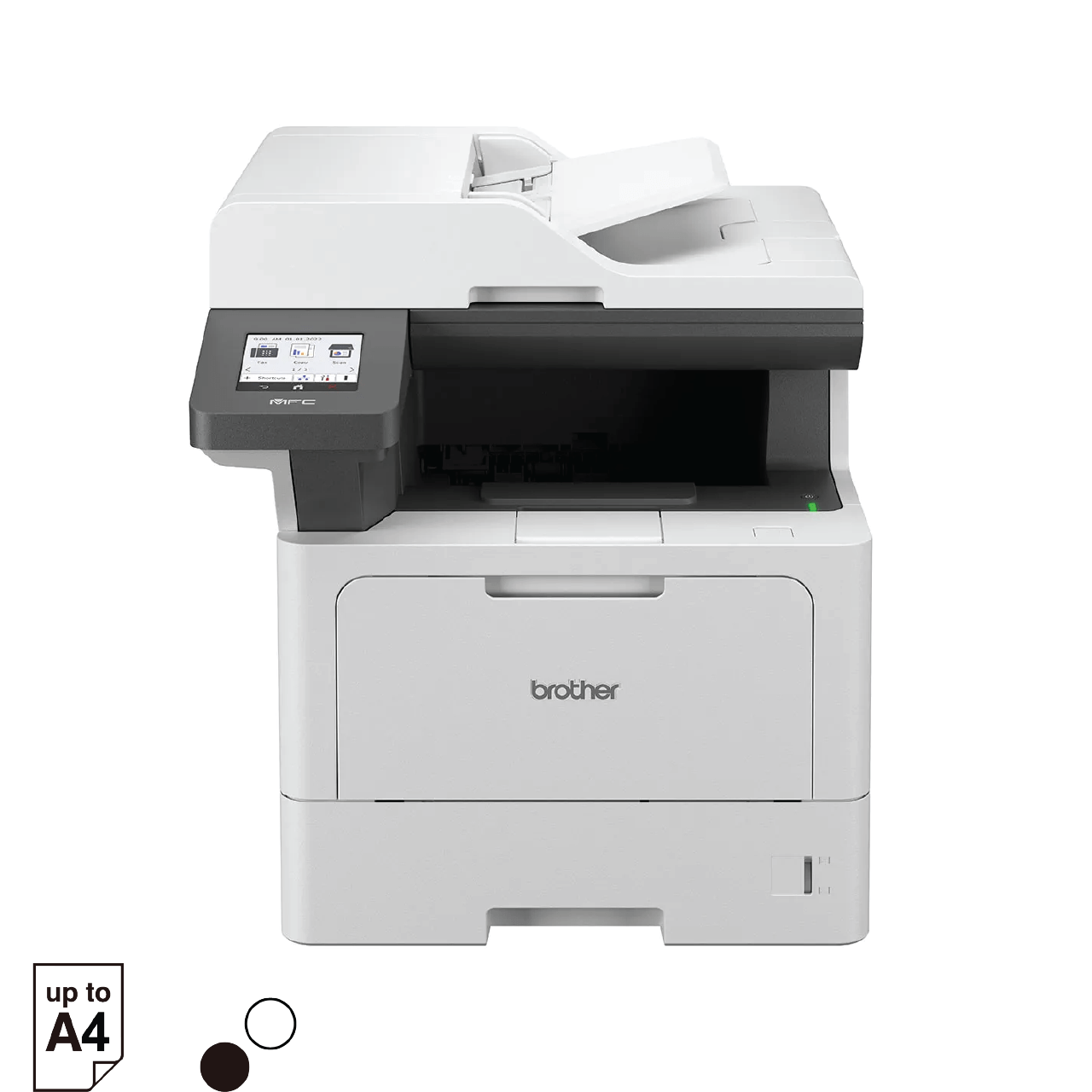
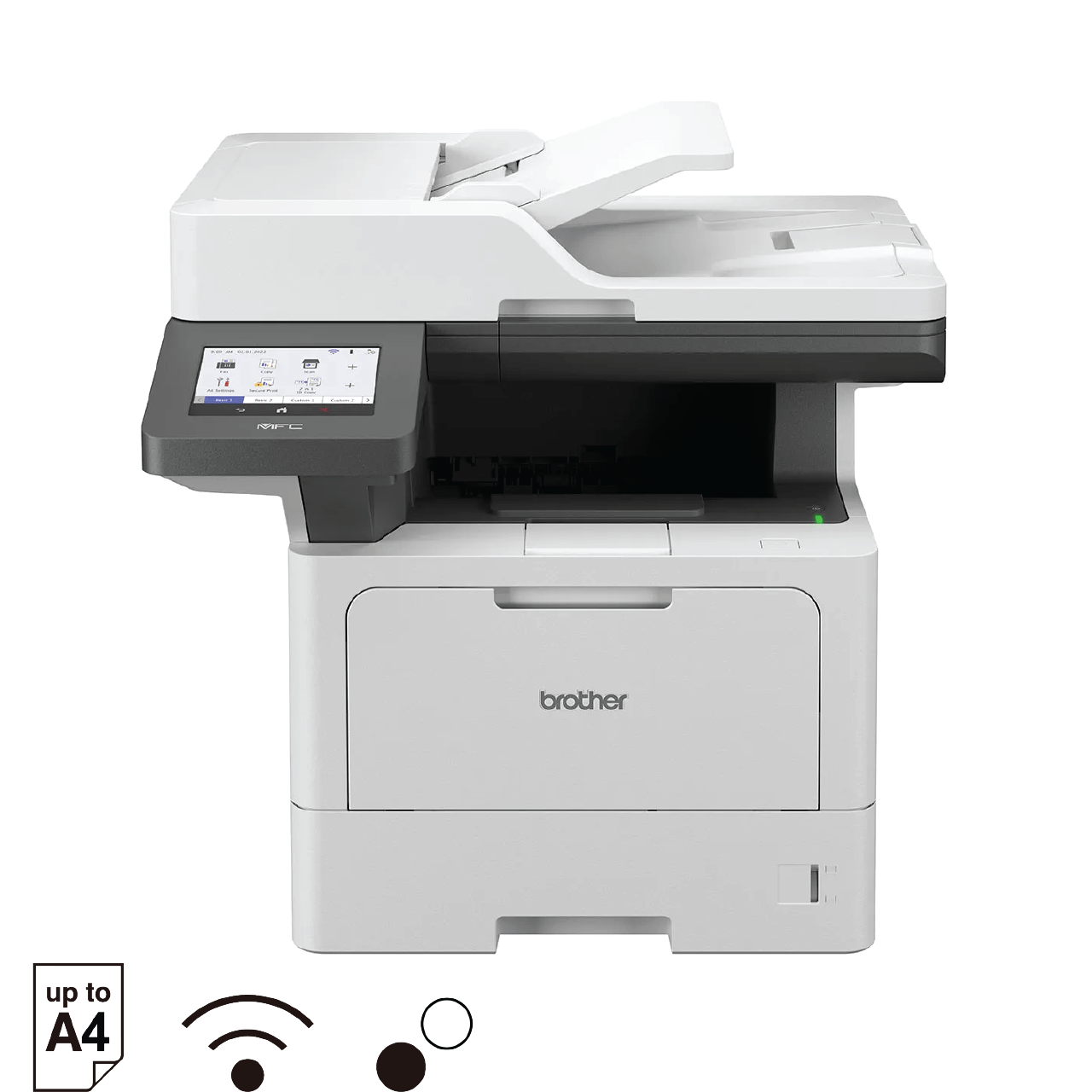
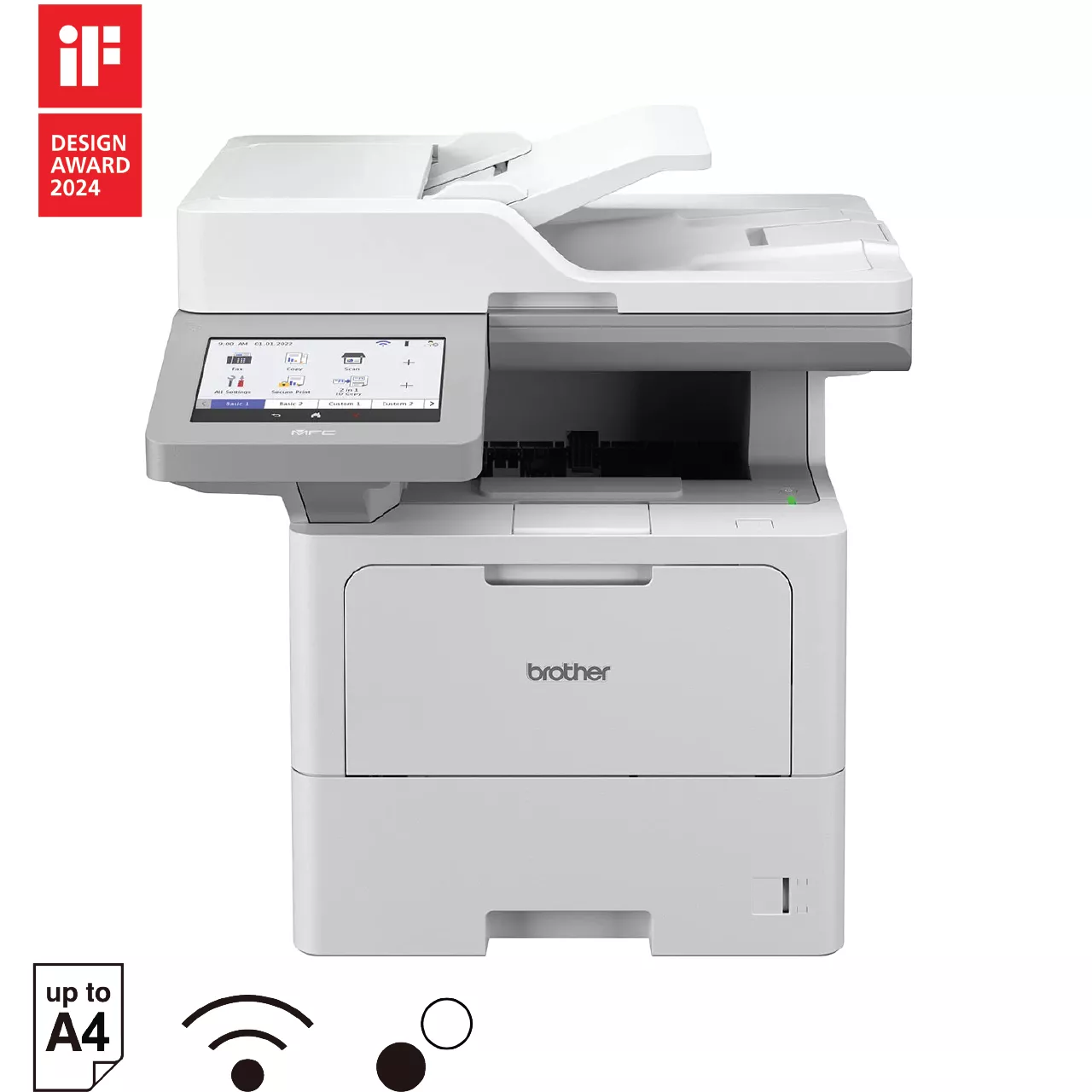
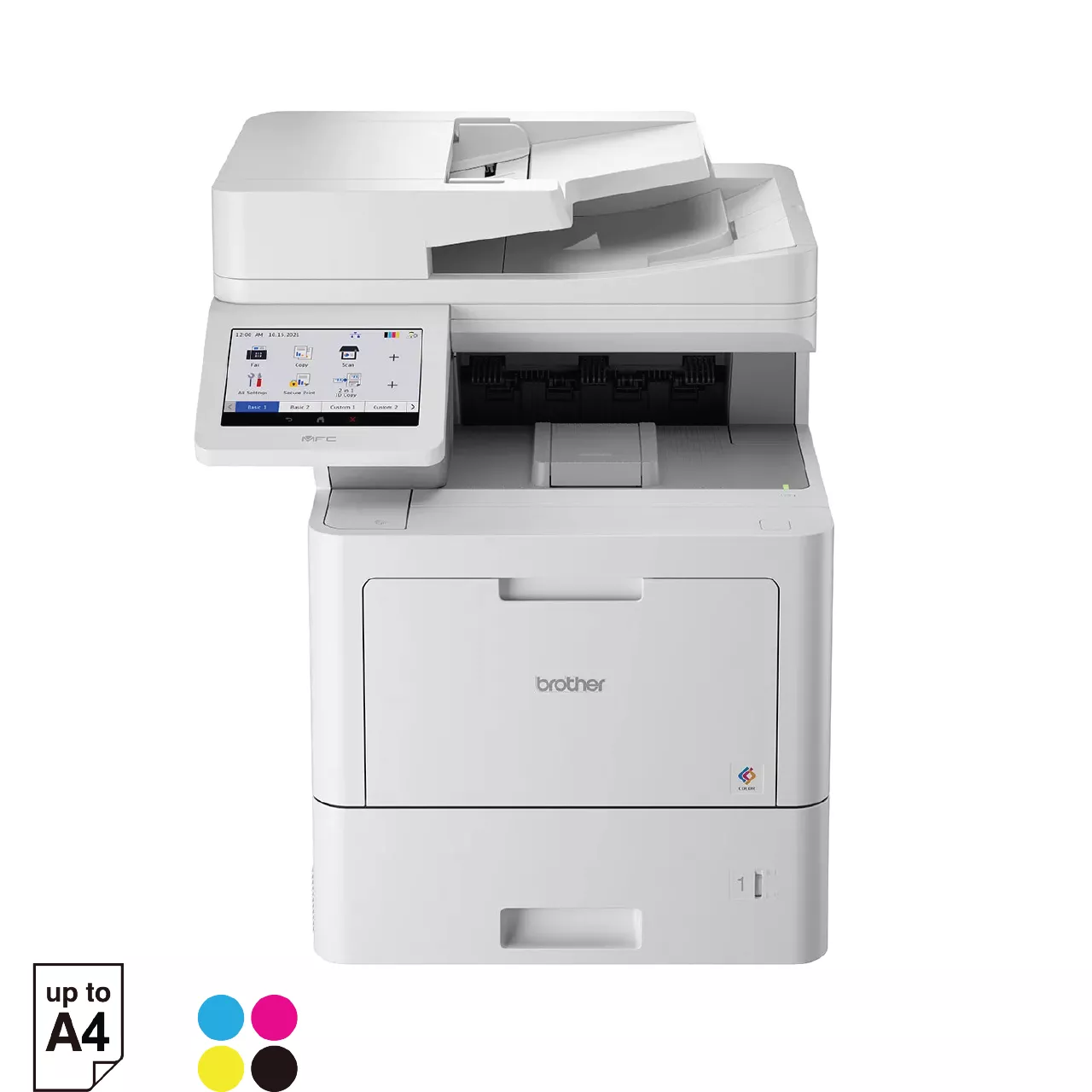
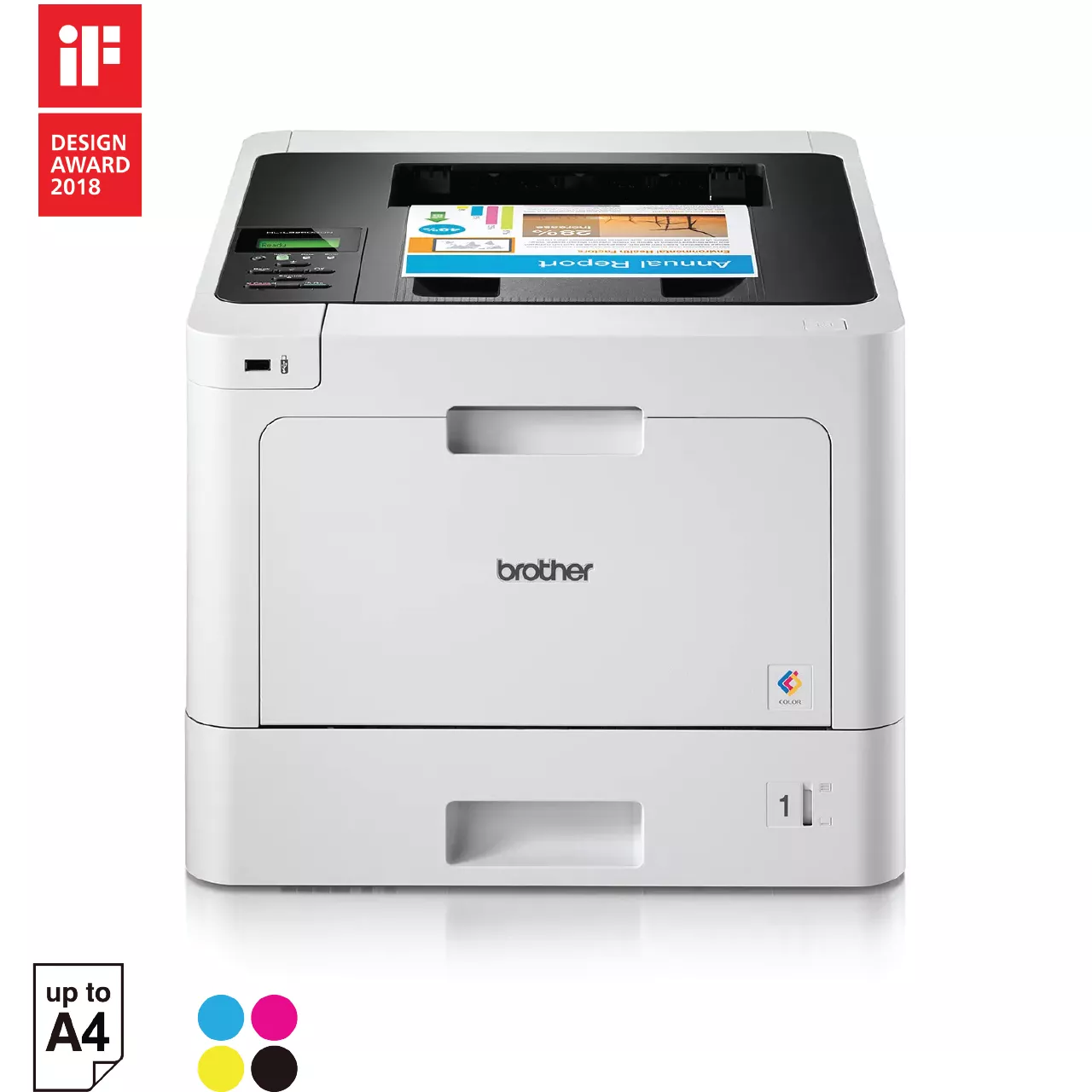
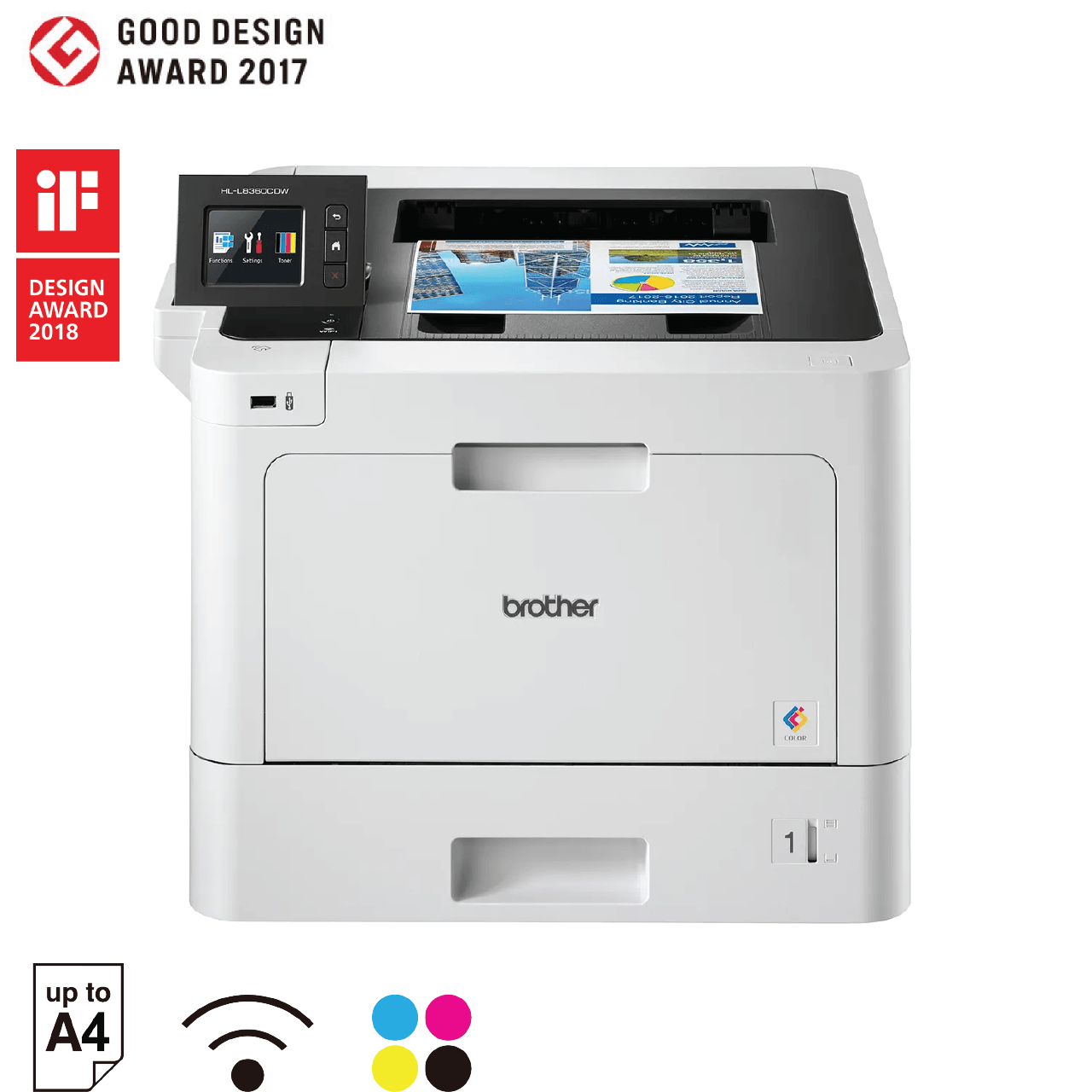
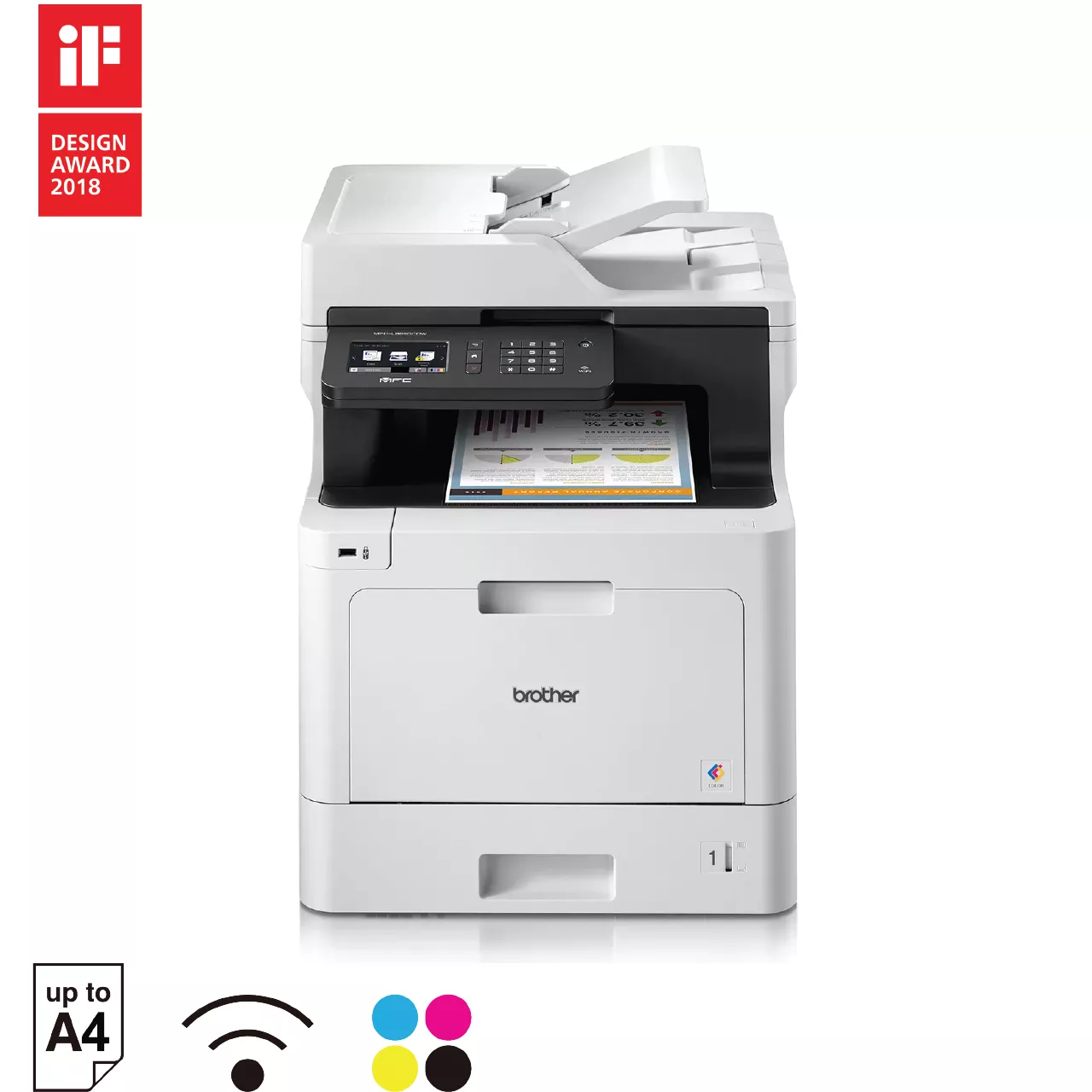
Brother's Singapore corporate-office selection for this guide includes the following models.
How Should a Corporate Office Choose a Printer?
Follow this 5-step framework to identify the right printer for your office.
 Define your users
 Identify documents
 Decide required functions
 Review connectivity and deployment
 Consider future needs
Does Your Office Need A3 Printing?
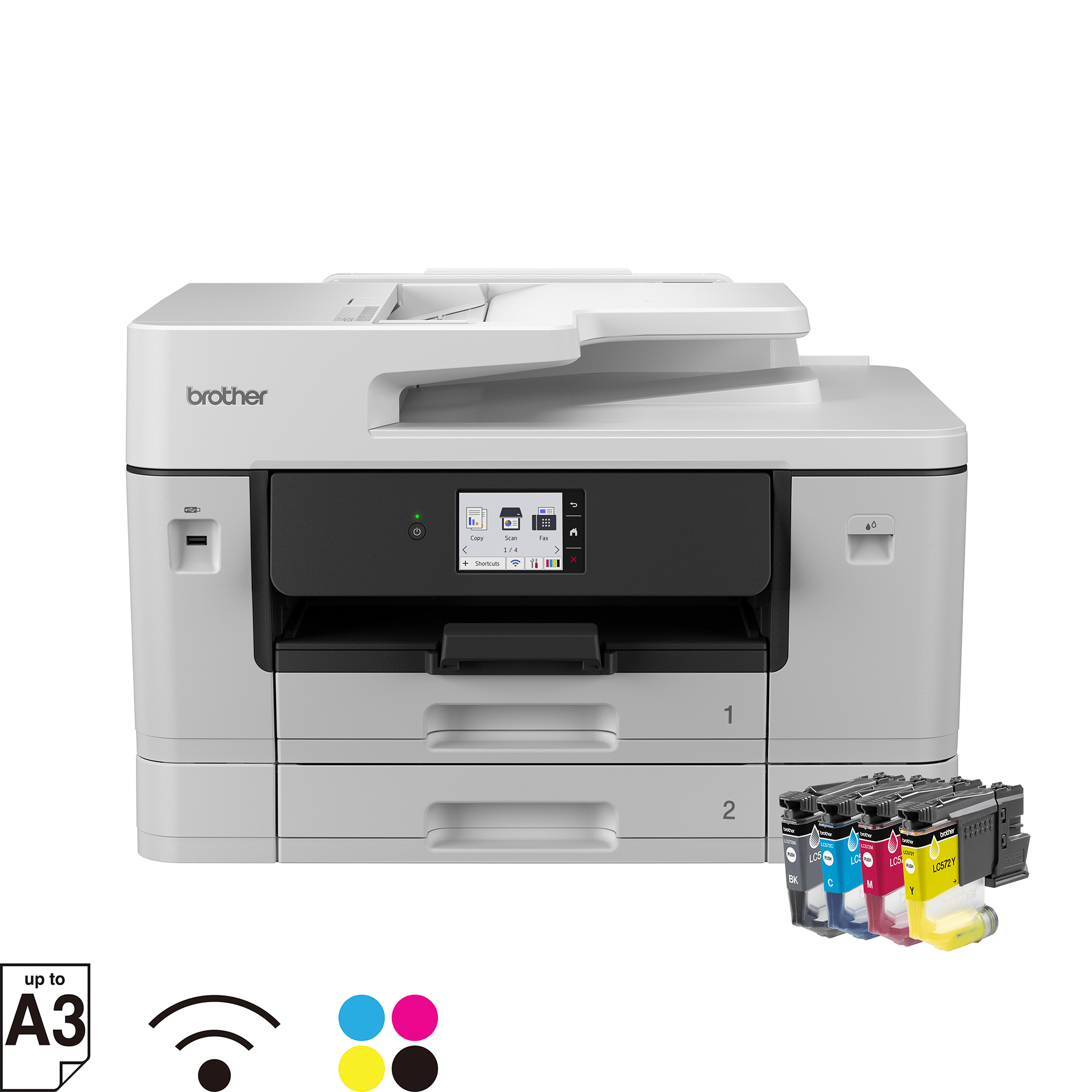
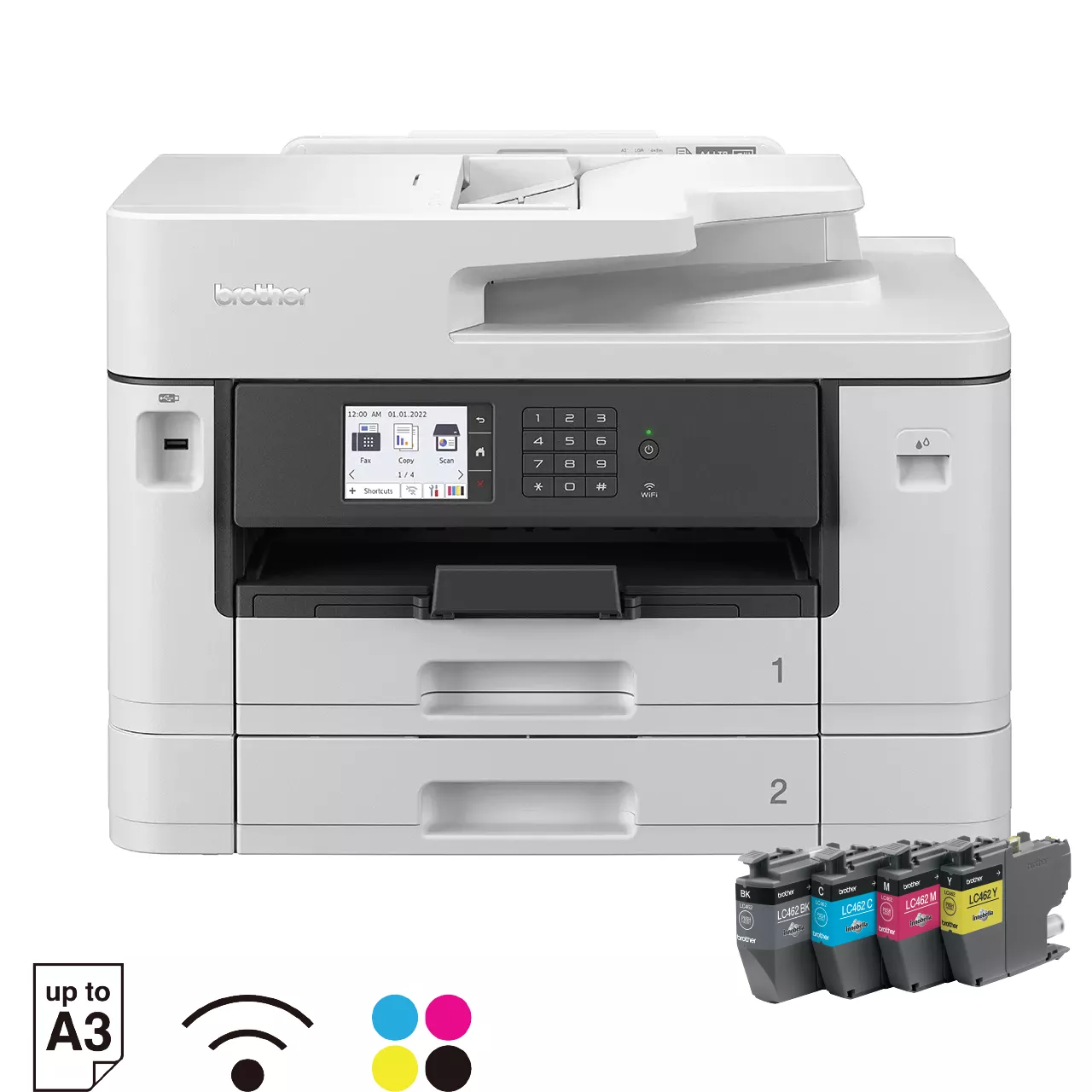
Before choosing a corporate printer, consider whether your teams actually need A3 printing. A3 can be useful for larger spreadsheets, presentation materials, diagrams, marketing materials and other documents that benefit from more page space.
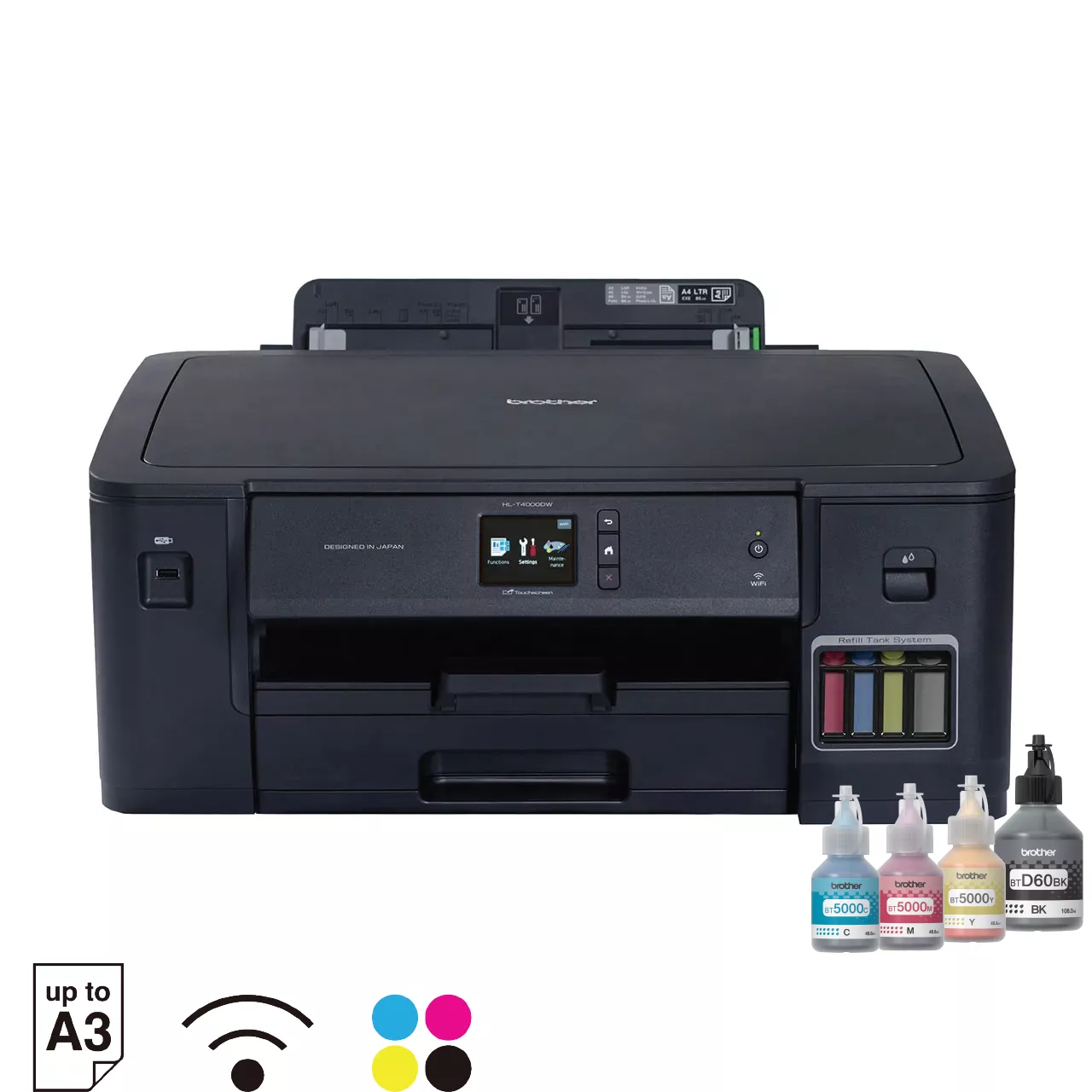
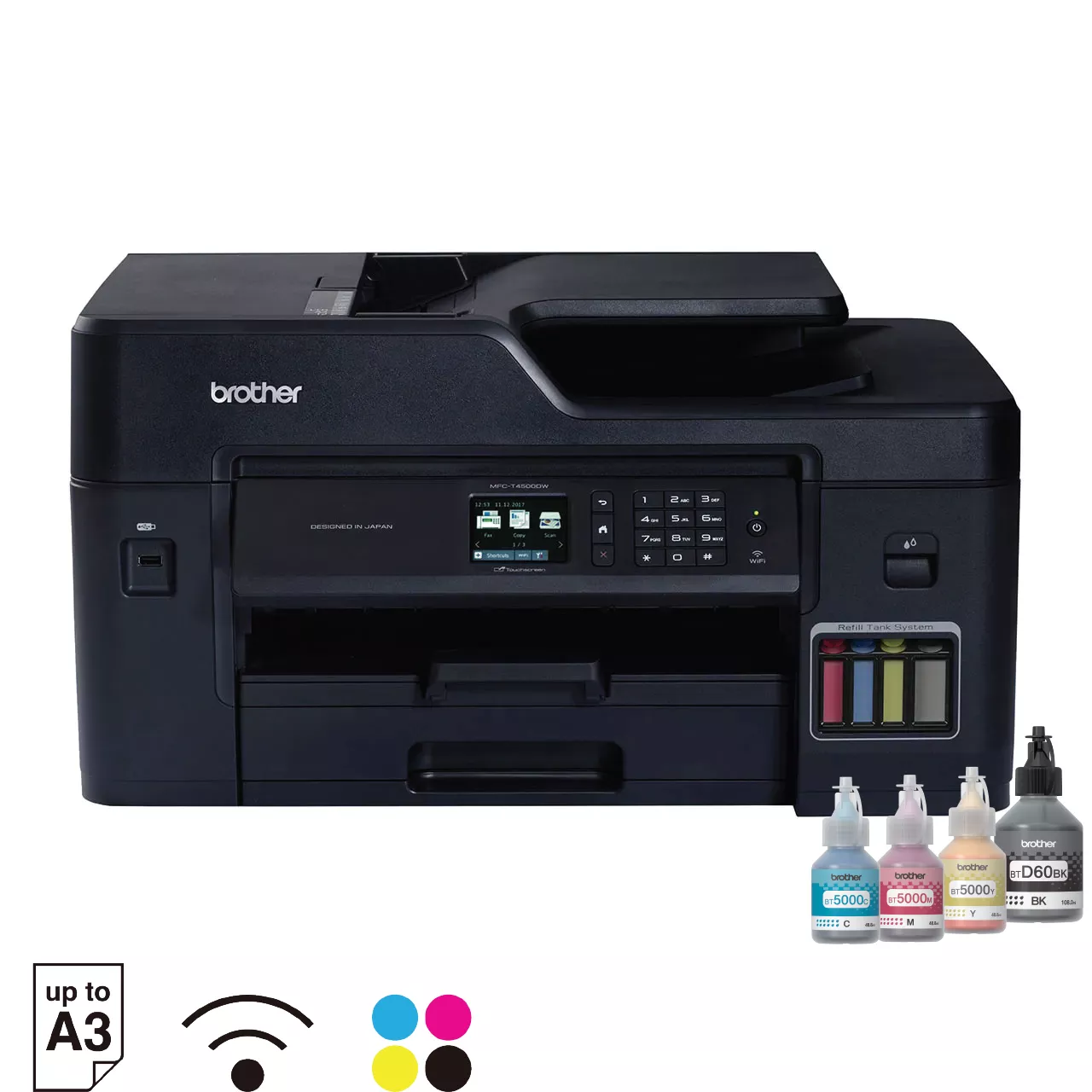
If A3 is part of your office requirements, consider these Brother A3 ink printer options:
If your office primarily works with standard-sized business documents, continue with the Brother corporate printer options below.
Which Brother Printer Should Your Organisation Consider?
There is no universal answer because the appropriate model depends on the organisation's requirements.
A useful way to narrow the supplied Brother Singapore selection is to begin with the type of device required.

HL Series – For Printing Only
Best for teams that primarily need high-quality, reliable printing.
- Lower upfront cost
- Compact and efficient
- Fast mono or colour printing
- Ideal for print-centric environments

MFC Series – For More Than Printing
Best for teams that need to print, scan, copy and sometimes fax.
- All-in-one document handling
- Improve workflow efficiency
- Reduce the need for multiple devices
- Ideal for admin and shared teams
Planning Printers for Different Corporate Teams
The best corporate printing setup does not necessarily mean installing the same printer everywhere.
A larger organisation may find it more useful to map printers to workflows. Start by identifying the requirements of each department, then determine whether those requirements can be met with a standard device or whether particular teams need a different configuration.
A simple internal assessment could cover:
| Consideration | Key Questions | What to Evaluate | Outcome |
|---|---|---|---|
|
Department
|
Which team will use the printer? | Workflows, document types, printing volume | Right model for each team |
|
Users
|
How many people are expected to share it? | Daily users, concurrent access needs | Optimal device capacity |
|
Documents
|
What does the team regularly need to produce? | Reports, proposals, forms, presentations, manuals | Model with suitable paper handling & quality |
|
Functions
|
Which printer and document functions are necessary? | Required features for productivity | Right functionality, no unnecessary features |
|
Connectivity
|
How will users access the device? | Network, wireless, mobile, cloud printing | Seamless access for users |
|
Location
|
Where will the printer be deployed? | Space, noise, security, accessibility | Better placement and usage |
|
Future requirements
|
Is the team's printing demand likely to change? | Growth, new departments, more users | Scalable and future-ready choice |
Frequently Asked Questions (FAQs)
-
What is the best printer for corporate office use?The best printer for corporate office use is one that matches the organisation's users, document workflows, required functions, connectivity and deployment environment. Brother's Singapore corporate-office selection includes multiple HL and MFC models, so organisations should define their requirements first and compare the relevant models using official Brother product specifications.
-
Which Brother printers are suitable for corporate offices in Singapore?The supplied Singapore selection includes Brother HL-L5210DN, HL-L5210DW, HL-L6415DW, MFC-L5710DN, MFC-L5915DW, MFC-L6915DW, MFC-L9630CDN, HL-L8260CDN, HL-L8360CDW, MFC-L8900CDW, HL-T4000DW, MFC-T4500DW, MFC-J3960DW, and MFC-J2740DW.
-
How do I choose a Brother printer for a corporate office?Start by documenting how many employees will use the device, the documents they produce, the functions they require, connectivity and deployment requirements, and anticipated future needs. You can then shortlist appropriate Brother models and verify their exact capabilities against the official Brother Singapore product specifications before making a purchasing decision.
-
Should every department use the same corporate printer?Not necessarily. Different departments may have different document workflows and printer requirements. A useful approach is to assess each team's users, documents, required functions and deployment environment. Organisations can then determine whether standardising one Brother model is appropriate or whether different areas require different printer configurations.
-
What should an IT team consider when selecting office printers?IT teams should consider the intended users, deployment location, required printer functions, connectivity requirements and how the device will fit the organisation's existing workplace environment. These requirements can then be used as selection criteria when comparing the official specifications of shortlisted Brother models.
-
What should procurement teams compare when buying corporate printers?Procurement teams should compare printers against clearly documented business requirements rather than selecting a device solely by its model or feature list. Important considerations include intended users, required document functions, deployment requirements and anticipated future needs. Exact specifications should always be confirmed using Brother Singapore's current official product information.

How to Choose a Business Printer in 2026 | Brother SG
With technology, we are faced with the dilemma of choice – now more than ever before. Today, most laptops and smartphones feature similar capabilities, with the biggest differentiators being form factor, design and certain hardware and operating system preferences. When it comes to choosing a printer or all-in-one for your SMB …
Continue reading “Your essential guide to buying a business printer in 2026”

Printer Maintenance Checklist: Essential Tips | Brother Singapore
Regular printer maintenance can help maintain print quality, reduce common issues such as paper jams and keep your printer in good working condition. Essential tasks include cleaning the printer exterior and paper tray, monitoring ink or toner levels and following the correct printhead maintenance instructions where applicable. Because maintenance requirements can vary depending on your printer type, model and usage, always refer to your Brother printer's manual or official Brother support resources for model-specific instructions.

How to Connect a Printer to a Laptop: USB & Wi-Fi Guide
Connect your printer to your laptop with confidence. Follow simple USB and Wi-Fi setup steps, install the right drivers, and fix common connection issues.

Subscribe for Blog update